 Image 1 of 1
THE PROBLEM
You know the deadlines. The problem is tracking 20 students at once, each at a different stage, with different consent dates, different absence counts, and a calendar full of holidays that shift every due date.
One missed deadline is a compliance violation. A spreadsheet that doesn't account for non-school days gives you a false sense of control.
This tool fixes that.
WHAT IT IS
A ready-to-use Excel workbook that calculates every TEA evaluation deadline automatically — referral response, FIIE completion, report to parent, and initial ARD — using your actual district calendar, not generic weekday math.
WHAT YOU GET
Excel Case Log tracker for up to 60 active students, with deadline columns that calculate in real school days using your campus non-school-days list
Non-School Days tab where you enter your district calendar once — every open case updates automatically when you add a closure or weather day
Auto-detection of the June 30 rule (35-45 day consent window) built into the FIIE due date formula
Absence extension logic that adds days to the 45-school-day count once a student hits 3 absences, per §89.1011(c)(1)
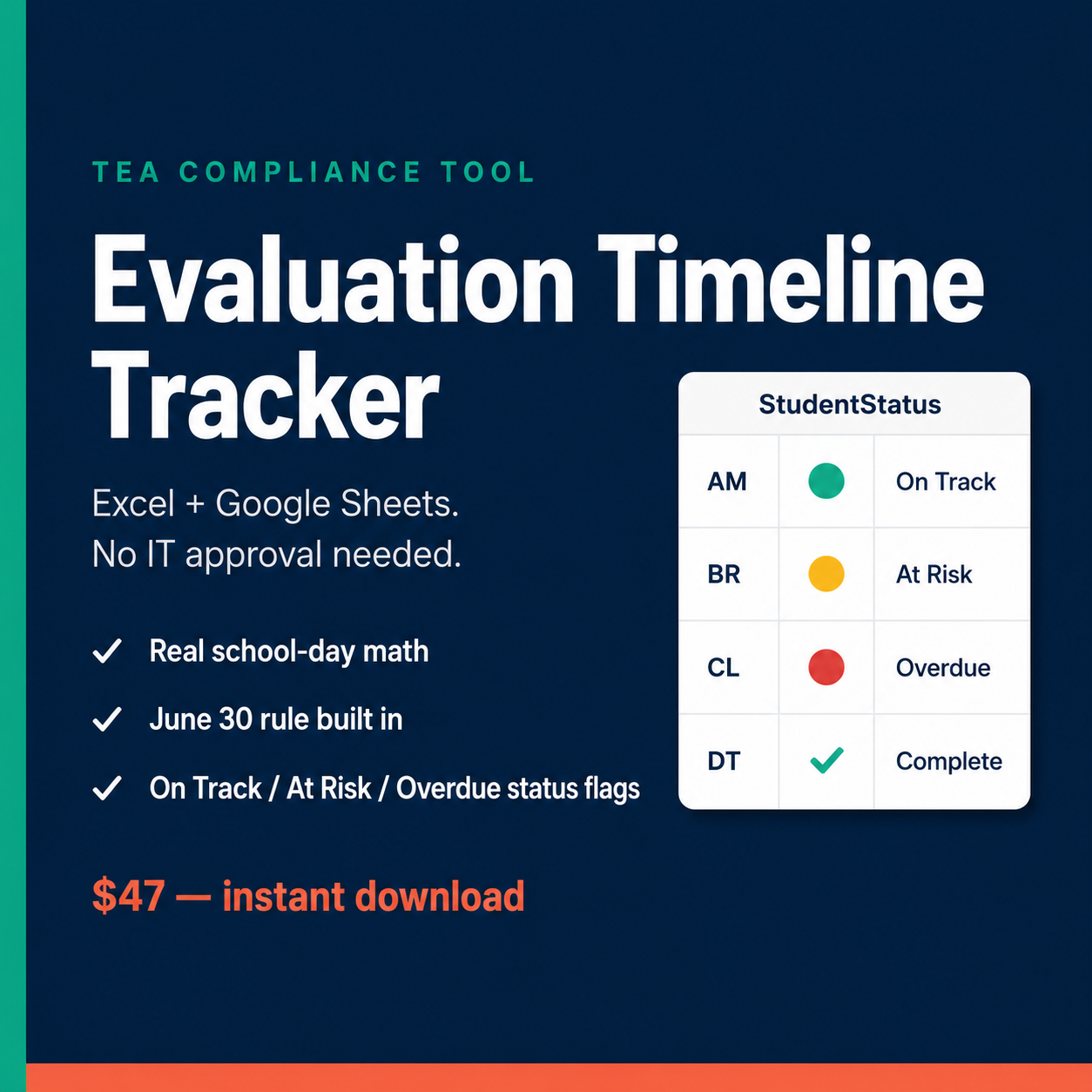
Status column that flags cases as On Track, At Risk, or Overdue based on today's date
TEA Compliance Timeline reference sheet covering all 15 stages from written referral through IEP finalization, with the triggering event, deadline, day-counting rule, and TAC citation for each
Setup guide with step-by-step instructions for entering your campus calendar and onboarding your team
WHO IT'S FOR
Educational diagnosticians managing active caseloads. SpEd coordinators who need a fast way to see where every student stands. Anyone who has ever calculated a 45-school-day deadline by hand and wondered if they got it right.
Instant download after purchase.
You'll receive a download link by email immediately after checkout. The file opens in Excel or Google Sheets.
THE PROBLEM
You know the deadlines. The problem is tracking 20 students at once, each at a different stage, with different consent dates, different absence counts, and a calendar full of holidays that shift every due date.
One missed deadline is a compliance violation. A spreadsheet that doesn't account for non-school days gives you a false sense of control.
This tool fixes that.
WHAT IT IS
A ready-to-use Excel workbook that calculates every TEA evaluation deadline automatically — referral response, FIIE completion, report to parent, and initial ARD — using your actual district calendar, not generic weekday math.
WHAT YOU GET
Excel Case Log tracker for up to 60 active students, with deadline columns that calculate in real school days using your campus non-school-days list
Non-School Days tab where you enter your district calendar once — every open case updates automatically when you add a closure or weather day
Auto-detection of the June 30 rule (35-45 day consent window) built into the FIIE due date formula
Absence extension logic that adds days to the 45-school-day count once a student hits 3 absences, per §89.1011(c)(1)
Status column that flags cases as On Track, At Risk, or Overdue based on today's date
TEA Compliance Timeline reference sheet covering all 15 stages from written referral through IEP finalization, with the triggering event, deadline, day-counting rule, and TAC citation for each
Setup guide with step-by-step instructions for entering your campus calendar and onboarding your team
WHO IT'S FOR
Educational diagnosticians managing active caseloads. SpEd coordinators who need a fast way to see where every student stands. Anyone who has ever calculated a 45-school-day deadline by hand and wondered if they got it right.
Instant download after purchase.
You'll receive a download link by email immediately after checkout. The file opens in Excel or Google Sheets.